very-nice-mermaid
A framework-agnostic Mermaid renderer. Keep Mermaid’s DSL, drop the mermaid.js runtime and the headless browser.
Live gallery Get started GitHub
—<p align="center"> 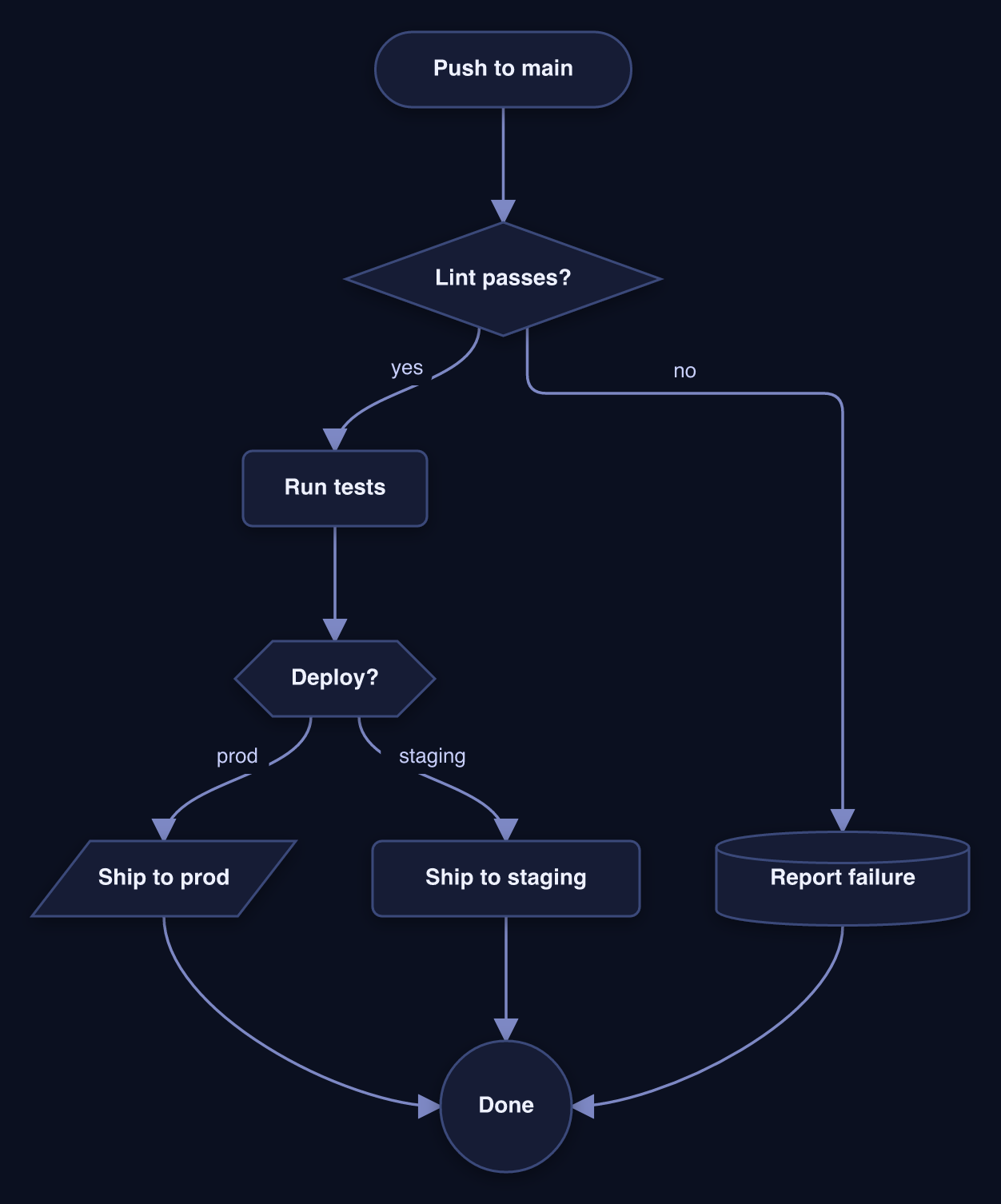 </p>
</p>
very-nice-mermaid keeps Mermaid’s DSL and replaces everything after it with our own parser, layout, and renderers — so you get beautiful, interactive, themeable diagrams with no mermaid.js runtime and no headless browser.
See it for real. The Gallery embeds the actual interactive HTML export — drag a node and the edges re-route live, scroll to zoom, drag the background to pan. It runs entirely in your browser.
What you get
- Library — parse the DSL and
mount()an interactive diagram (drag + resize nodes, edges re-route live, pan / wheel-zoom / fit, minimap, layout persistence) in any app, plus a<very-nice-mermaid>web component. → Library API - CLI (
vnm) — render a.mmdfile (or stdin) to a self-contained interactive HTML file, a static SVG, a PNG, or ASCII in a markdown fence. → CLI reference - Themes —
light/dark/fancybuilt in; define your own as a token set. → Themes & styles - Sketch style — a hand-drawn (Excalidraw-like) look via
--style sketch, a separate axis from the theme, so it composes with any palette. - Claude Code plugin — a bundled skill that teaches Claude Code to render your Mermaid diagrams (inline ASCII, a PNG it can check, interactive HTML, or SVG) instead of printing raw DSL. → Claude Code plugin
Quick start
CLI — no install needed, just npx:
# an interactive, self-contained HTML page you can open in any browser
npx very-nice-mermaid render diagram.mmd -o diagram.html --theme dark

# …or a static SVG / PNG / ASCII
npx very-nice-mermaid render diagram.mmd -o diagram.svg
echo 'flowchart LR; A[Hi] --> B([There])' | npx very-nice-mermaid render - -f md
Library — mount an interactive diagram in three lines:
import { mount } from "very-nice-mermaid";

mount(document.getElementById("diagram")!, `
  flowchart LR
    A[Start] --> B{Choice}
    B -->|yes| C([Done])
    B -->|no| D[Fix] --> A
`, { theme: "dark" });
Web component — zero wrapper code, works in any framework:
<script type="module">import "very-nice-mermaid/element";</script>
<very-nice-mermaid theme="fancy" style="height: 420px">
  flowchart LR
    A[Start] --> B{Choice} --> C([Done])
</very-nice-mermaid>
Install
npm install very-nice-mermaid
# PNG output is optional — install the native rasterizer only if you need it:
npm install @resvg/resvg-js
Requires Node ≥ 20. ESM-only, with TypeScript types.
How it works
mermaid DSL ──parse──▶ DiagramModel ──dagre──▶ PositionedModel ──┬─▶ interactive DOM (lib / web component / HTML)
                                                                 ├─▶ SVG string ──resvg──▶ PNG
                                                                 └─▶ ASCII
The flowchart family runs a built-in, dependency-free parser + layout. Sequence / class / state diagrams re-skin into the same themed engine, and every other Mermaid type (pie, gantt, ER, gitgraph, mindmap, …) falls back to bundled mermaid.js — so flowchart-only users never pay for it.