Live gallery
Every diagram below is the real interactive HTML export — the exact file vnm render diagram.mmd -o out.html produces, embedded in an <iframe>. It runs entirely in your browser, no server involved.
Try it: drag a node and its edges re-route live off the card borders. Scroll to zoom at the cursor, drag the empty background to pan, and use the toolbar to fit / reset / Save SVG · PNG. Grab a corner handle on a selected node to resize it.
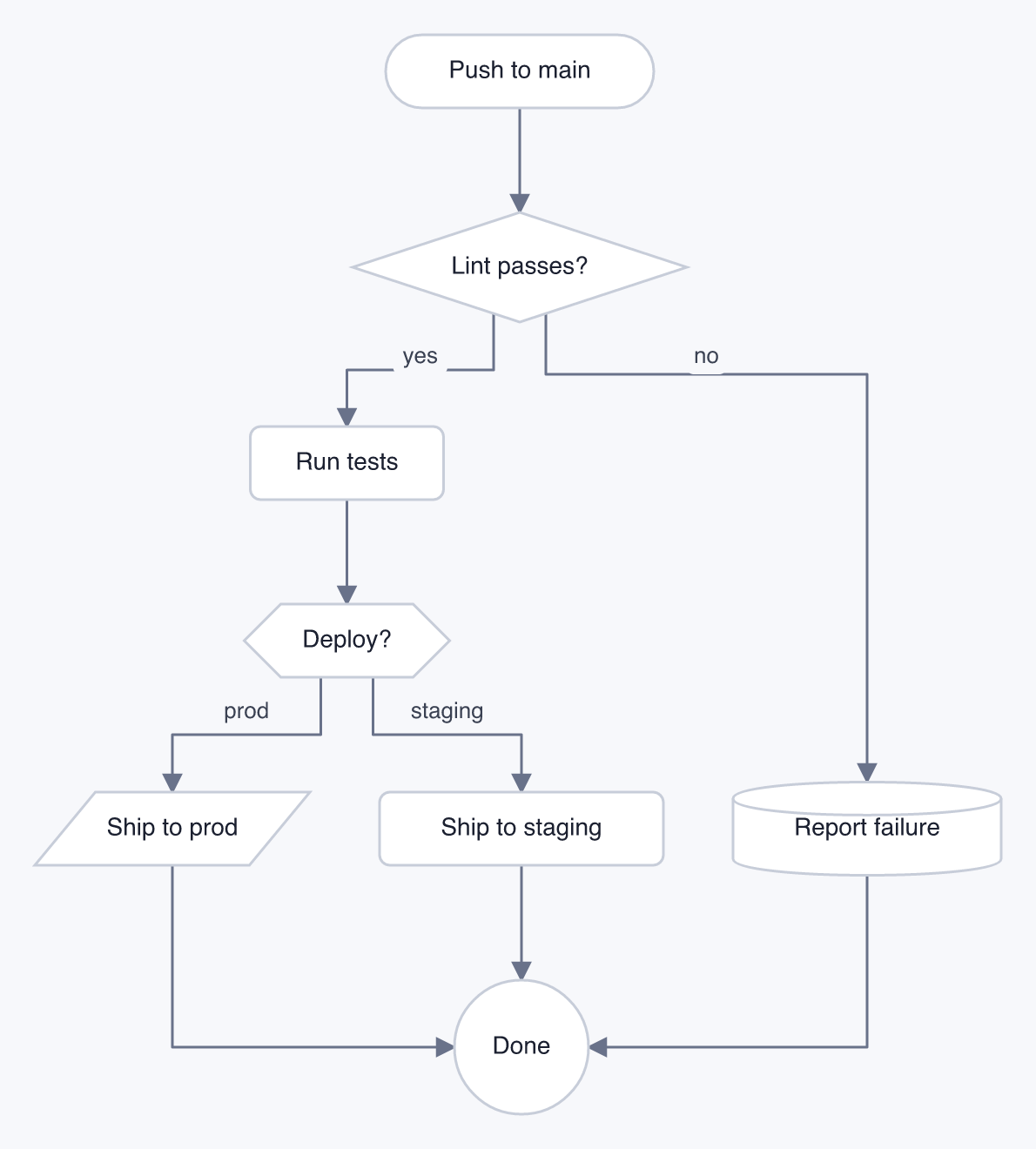
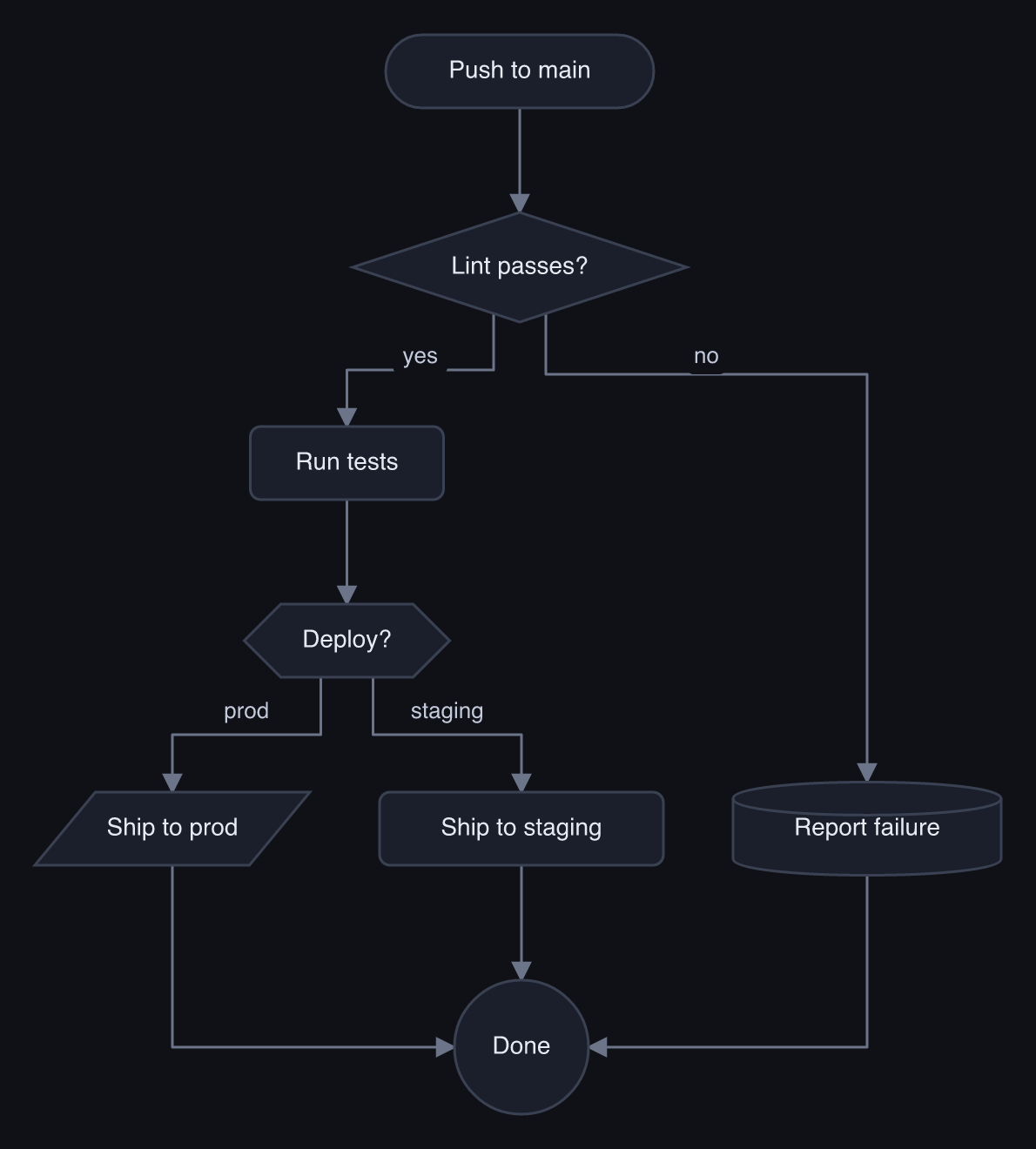
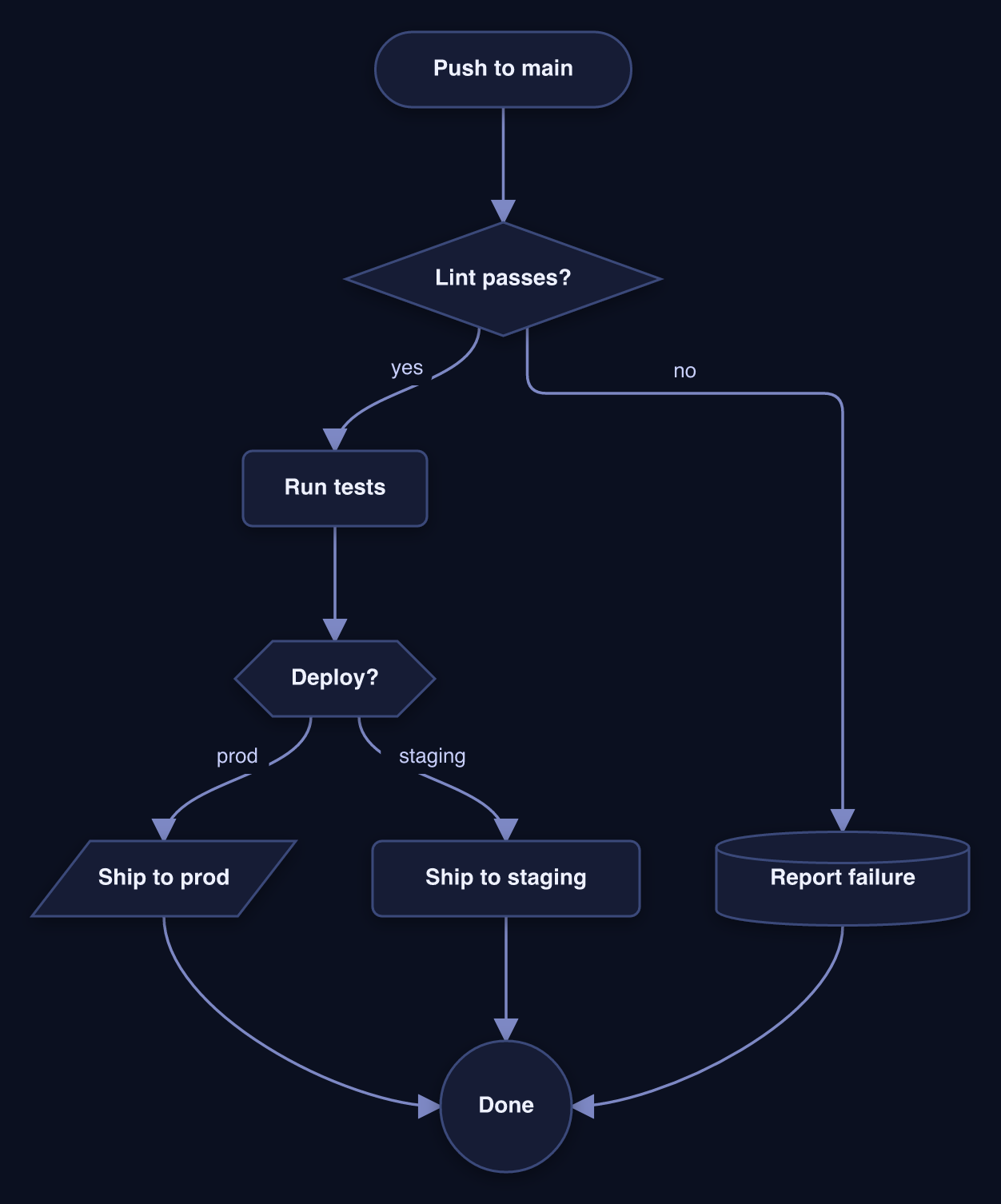
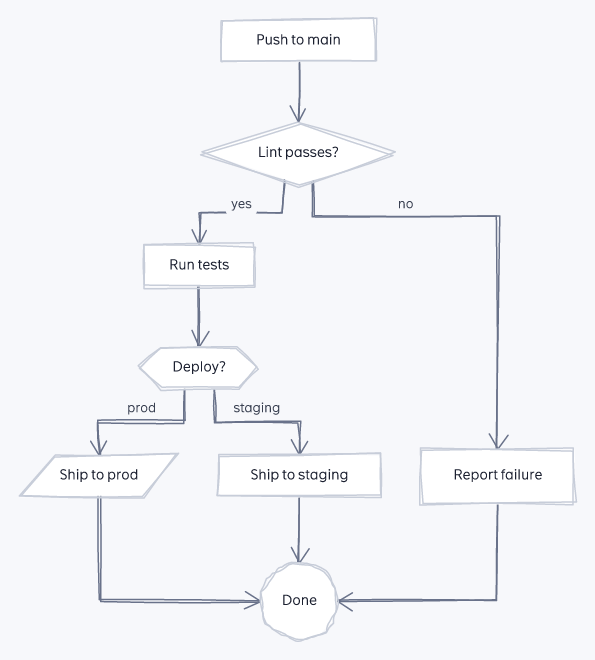
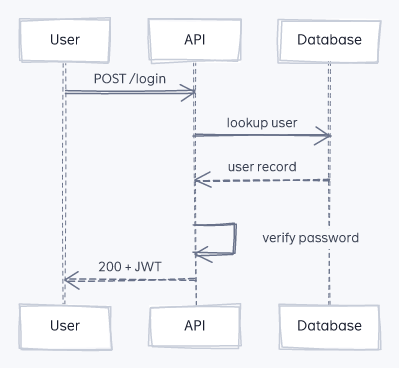
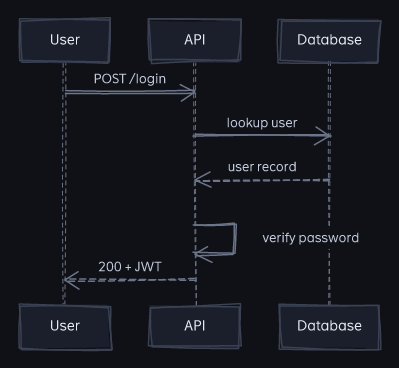
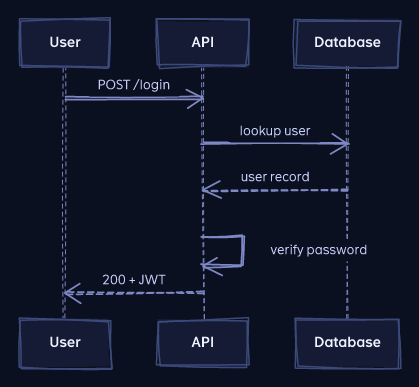
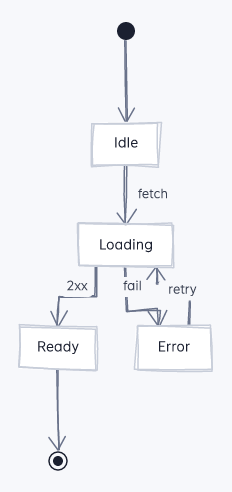
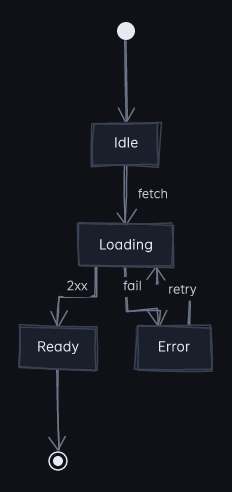
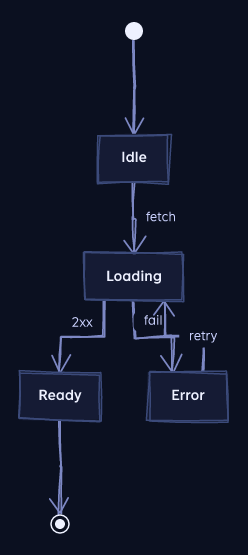
Each section shows the DSL, one diagram live, and a grid of every style × theme combination — click any thumbnail to open that one full-screen. These are regenerated from the current renderer on every npm run docs, so they never drift.
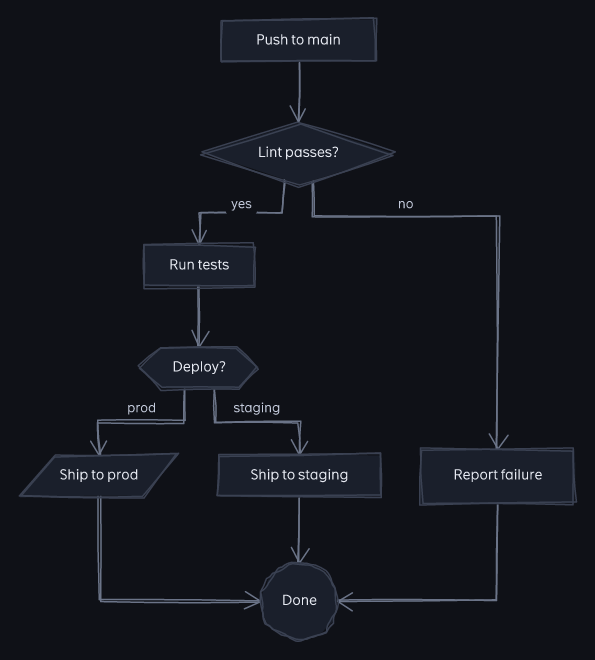
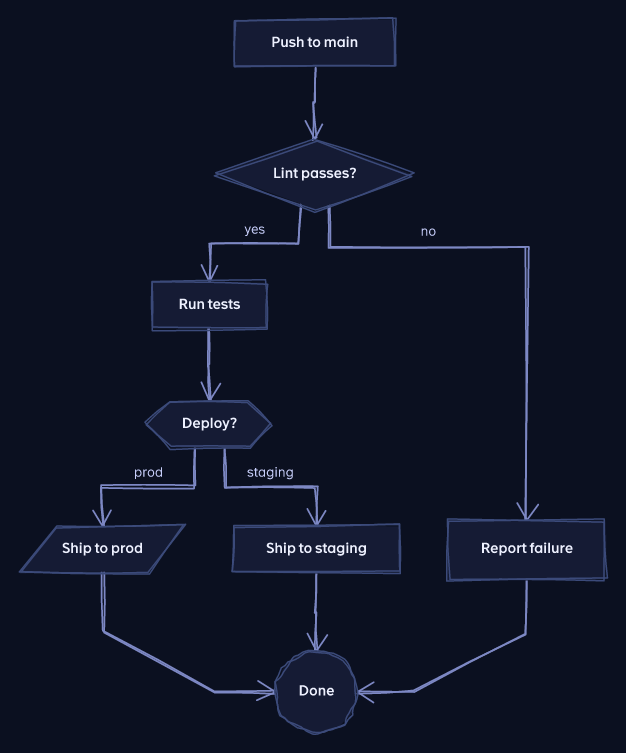
Flowchart
flowchart TD
  start([Push to main]) --> lint{Lint passes?}
  lint -->|yes| test[Run tests]
  lint -->|no| fail[(Report failure)]
  test --> deploy
  deploy -->|prod| prod[/Ship to prod/]
  deploy -->|staging| stg[Ship to staging]
  prod --> done((Done))
  stg --> done
  fail --> done
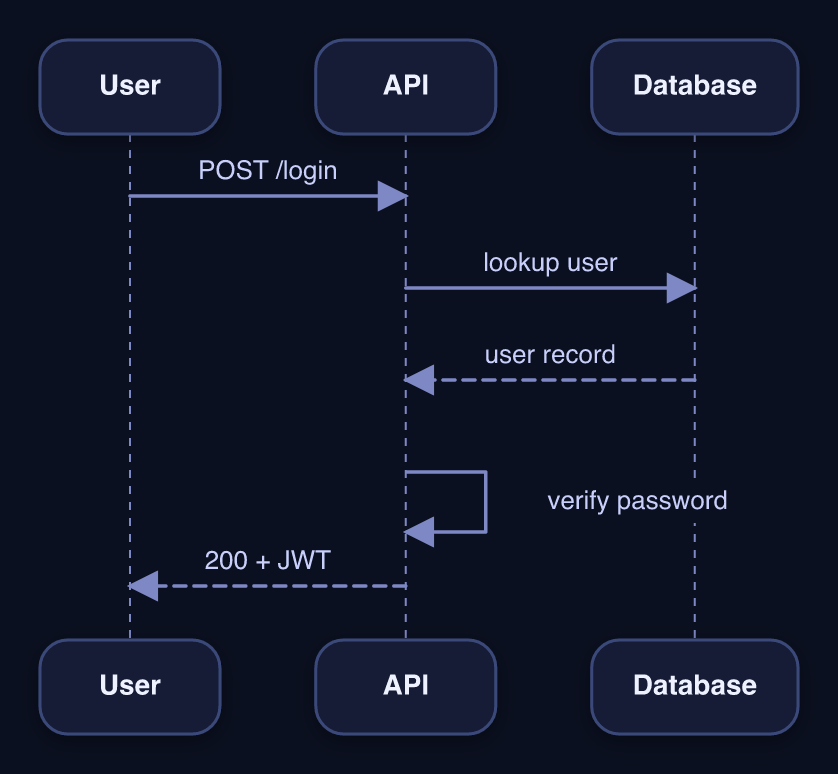
Sequence
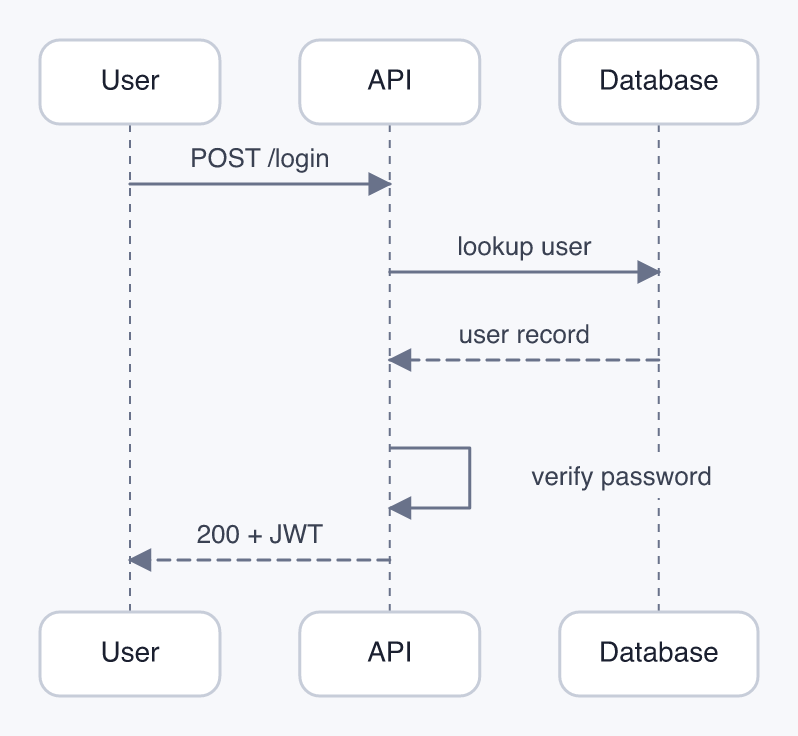
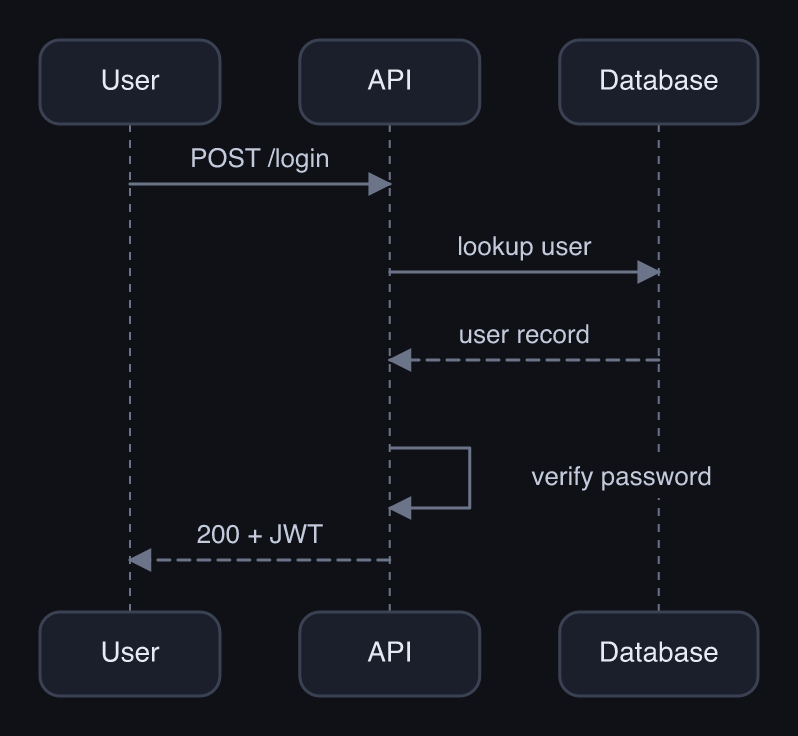
sequenceDiagram
  participant U as User
  participant A as API
  participant DB as Database
  U->>A: POST /login
  A->>DB: lookup user
  DB-->>A: user record
  A->>A: verify password
  A-->>U: 200 + JWT
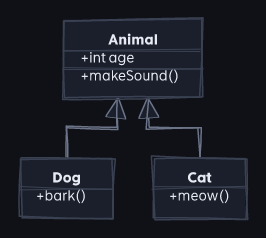
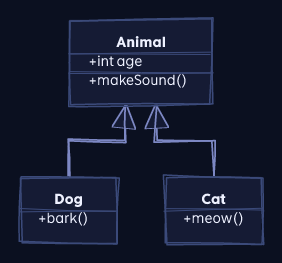
Class
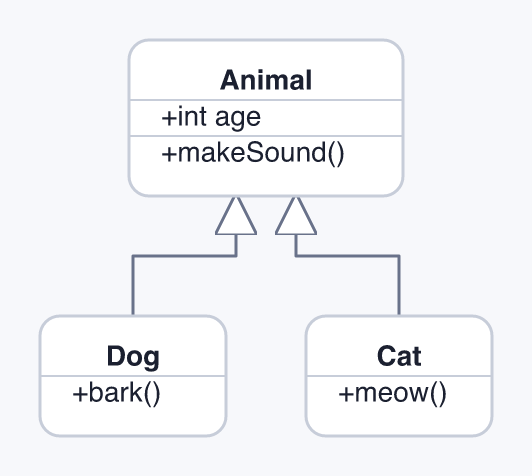
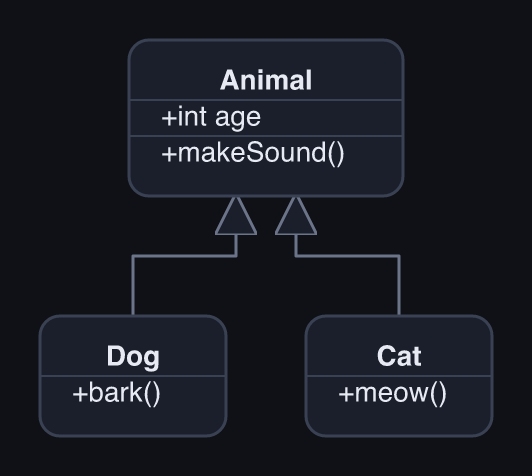
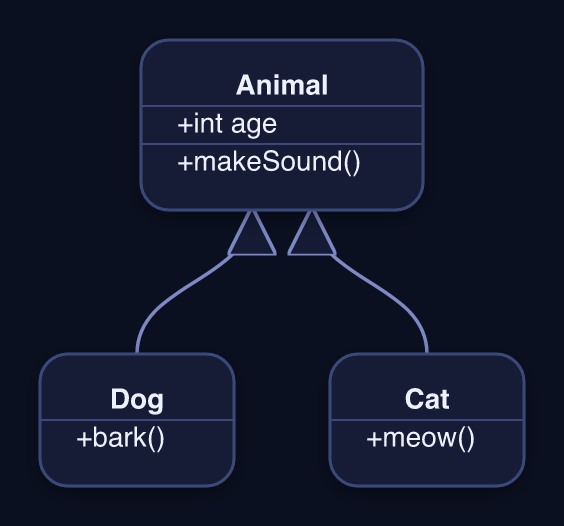
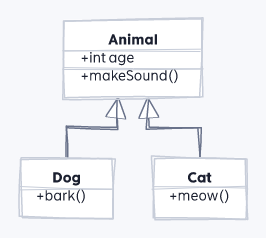
classDiagram
  Animal <|-- Dog
  Animal <|-- Cat
  Animal : +int age
  Animal : +makeSound()
  class Dog { +bark() }
  class Cat { +meow() }
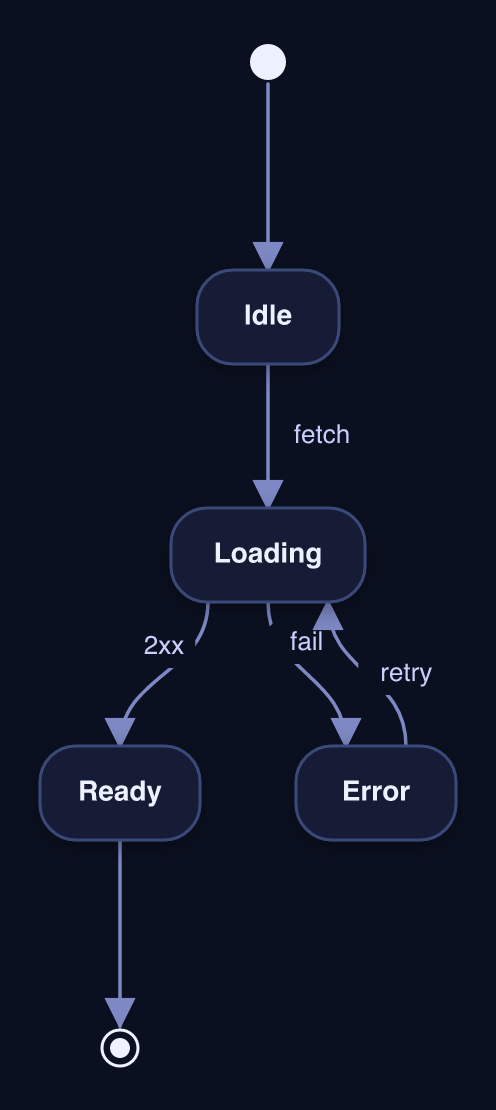
State
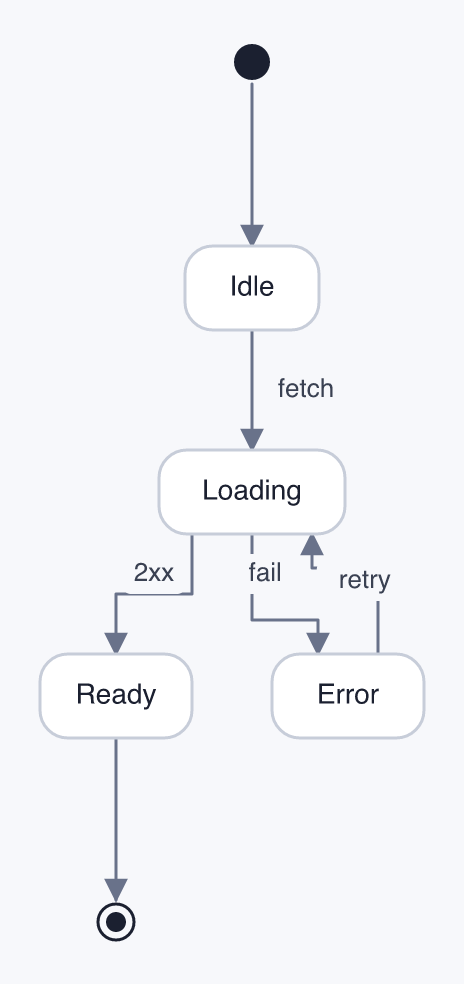
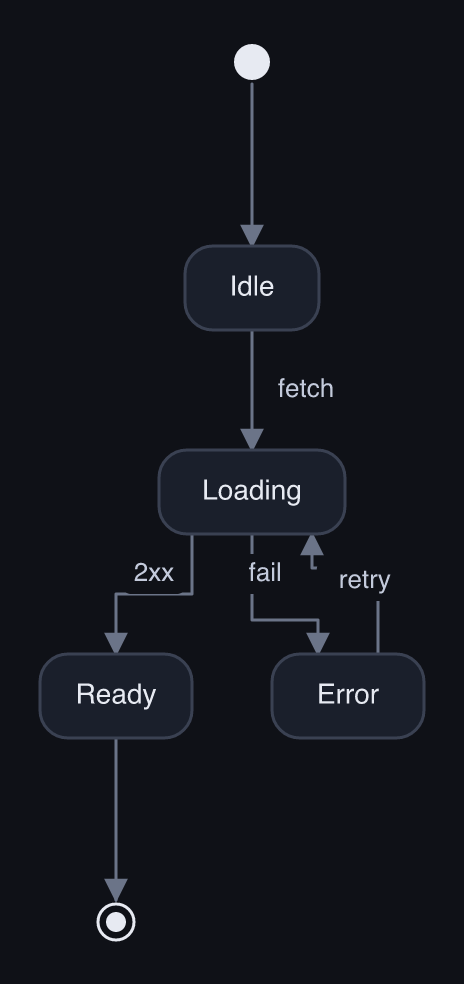
stateDiagram-v2
  [*] --> Idle
  Idle --> Loading : fetch
  Loading --> Ready : 2xx
  Loading --> Error : fail
  Error --> Loading : retry
  Ready --> [*]
Reproduce these
Every asset on this page is generated by the built CLI:
npm install -g very-nice-mermaid

# the interactive HTML embedded above:
vnm render flowchart.mmd -o flowchart.html --theme dark
vnm render flowchart.mmd -o sketch.html   --theme light --style sketch

# the static thumbnails:
vnm render flowchart.mmd -o flowchart.png --theme dark --scale 2
In this repo, npm run docs regenerates the whole gallery from examples/src/*.mmd.